
Adding a second monitor to your gaming setup can make a big difference in how you play. With two screens, you can keep Discord or game guides open while you play without pausing to switch windows. You can watch your computer's temperature, manage your stream, or chat with friends, all while staying in the game.
Many gamers start with one monitor and wonder if a second one is worth the money. The short answer? If you do more than just play games, a dual monitor setup will probably make your life easier. Let's look at all the ways a second screen can help.
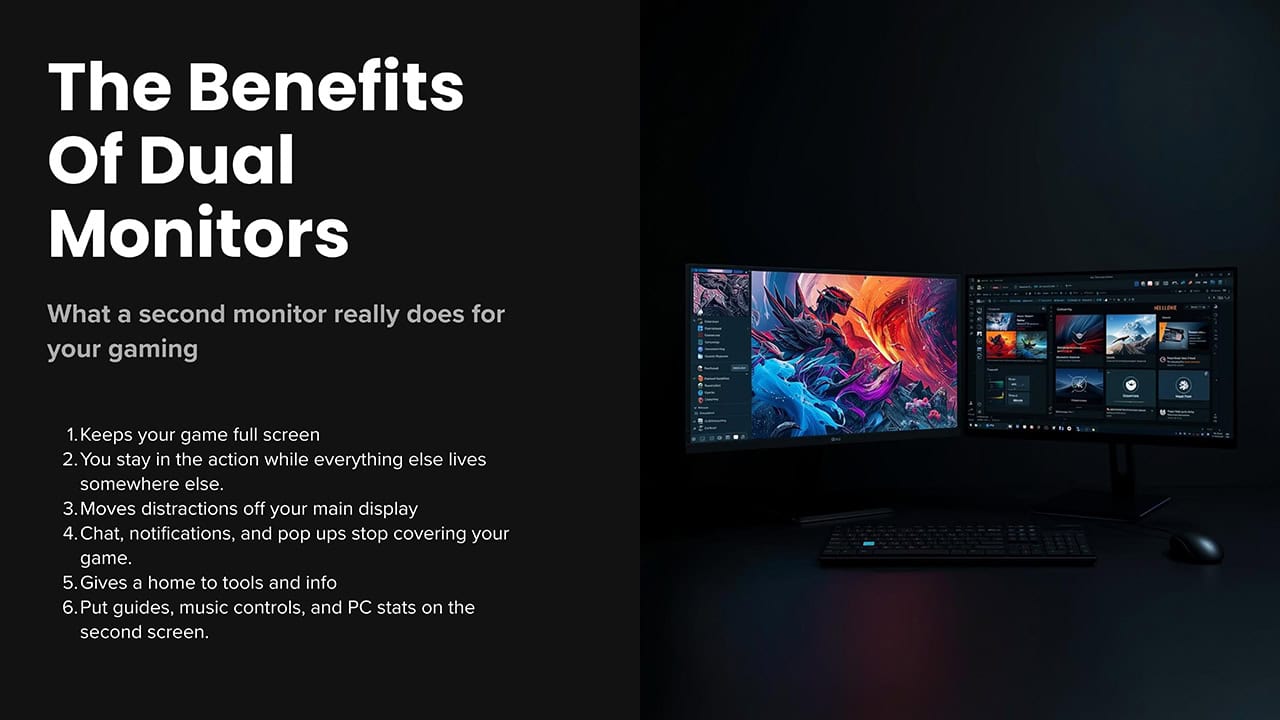
A dual monitor gaming setup lets you multitask without pausing your game, gives you more screen space for certain games, helps you track your PC's performance, and makes streaming much easier to manage.
Do More Without Stopping Your Game
The biggest reason gamers add a second monitor is simple: you can do two things at once. Playing modern PC games often means juggling several programs. You might need to check a walkthrough, answer a Discord message, or see who just joined your voice chat. With one monitor, you have to press Alt+Tab and leave your game. With two monitors, everything stays on screen.
Keep Discord, TeamSpeak, or other chat apps visible at all times. See who is talking and never miss a message from your team.
Pull up wikis, build guides, or maps on your second screen. No more minimizing your game to look something up.
Watch YouTube or Twitch streams while you play. Great for background entertainment during slower games.
Keep an eye on Twitter, Reddit, or other sites without leaving your game. Stay connected while you play.
Best Games for Dual Monitor Multitasking
Some games work better with a second monitor than others. Games where you wait between turns or have downtime are perfect. Here are a few examples:
- MMORPGs like World of Warcraft or Final Fantasy XIV: Check auction prices, guild chat, or crafting guides on your second screen
- Strategy games like Civilization or Total War: Read strategy guides or watch tutorials between turns
- Idle games and farming simulators: These run in the background while you use your second monitor
- Online card games like Hearthstone: Look up deck builds and counters while you play
Usually not by much. Having Discord or a web browser on your second screen might cost you 1-5 frames per second. That's so small you probably won't notice. The only time it matters is when you play videos or run the game across both screens at once. For most people, the trade-off is worth it.
See More of the Game World
Some PC games let you stretch your view across two monitors. This gives you a wider field of view so you can see more of what's happening around you. Racing games, flight simulators, and some shooters support this feature.
This is called "surround gaming" or "multi-monitor gaming." Your game world wraps around you, making it feel more real. In a racing game, you can see cars coming up on your side. In a flight sim, you get a full cockpit view with all your instruments.
Games That Work Well Across Two Screens
See cars on both sides of you. Games like Forza, iRacing, and Assetto Corsa shine with extra screen space.
Put cockpit instruments on one screen and your main view on the other. Microsoft Flight Simulator supports this well.
Games like Elite Dangerous let you spread your ship's controls and views across multiple screens.
See more of the battlefield at once. Great for real-time strategy games where map awareness matters.
Watch Your PC's Performance
A second monitor is perfect for keeping an eye on how your gaming PC is doing. You can watch temperatures, check your frame rate, and see if anything is running too hot. This is helpful if you like to tweak your settings or want to catch problems early.
Instead of covering up part of your game with an overlay, you can put all your monitoring tools on the second screen. This keeps your main gaming display clean while still giving you all the information you need.
What You Can Track
- GPU temperature: Make sure your graphics card isn't overheating during long gaming sessions
- CPU usage: See how hard your processor is working and spot any bottlenecks
- Frame rate (FPS): Watch your performance in real time. Use our FPS calculator to see what you should expect
- RAM usage: Check if you're running low on memory
- Network stats: Monitor your ping and connection for online games
MSI Afterburner, HWiNFO, and NZXT CAM are free programs that show your PC's stats. They work great on a second monitor and can help you spot problems before they cause crashes.
Stream Like a Pro
If you stream on Twitch, YouTube, or other platforms, a second monitor is almost a must-have. Streaming means running your game plus streaming software plus chat plus alerts. That's a lot to fit on one screen.
With two monitors, you keep your game on your main screen looking clean. Your second screen handles everything else: chat, OBS Studio controls, donation alerts, and viewer count. You can read chat and interact with viewers without blocking your gameplay.
What Streamers Put on Their Second Monitor
Control OBS Studio, Streamlabs, or XSplit. Switch scenes and check that everything is working.
Read and reply to viewer messages. Moderate your chat and keep conversations going.
See when someone follows, subscribes, or donates. React in real time to keep viewers engaged.
Watch your viewer count, stream health, and bitrate. Catch problems before viewers start complaining.
Most professional streamers use at least two monitors, and many use three or more. Having one screen just for the game keeps the stream looking professional. The extra screens handle chat, alerts, and all the behind-the-scenes stuff viewers never see.
What You Need to Get Started
Before you buy a second monitor, make sure your PC can handle it. The good news is that most gaming computers made in the last several years can run two monitors without any trouble.
Graphics Card Check
Look at the back of your PC where the monitor plugs in. Most graphics cards have at least two video ports (HDMI, DisplayPort, or both). If you see two ports, you can run two monitors. Simple as that.
Running basic programs on a second monitor barely affects your games. But if you want to play games across both screens at once, you'll need a stronger graphics card. Check NVIDIA's surround gaming guide or AMD's website for details.
Running Discord or a web browser on your second screen usually only adds 2-5% extra work for your graphics card. You might lose a few frames per second, but most people never notice. Playing a game across both screens is different. That can cut your frame rate in half since your graphics card has to draw twice as many pixels.
Matching Your Monitors
Your two monitors don't have to be identical twins, but matching a few things makes life easier:
- Screen size: Similar sizes look better side by side and are easier on your neck
- Resolution: Matching resolution means text and windows look the same size on both screens
- Refresh rate: Same refresh rate prevents your mouse cursor from feeling choppy when moving between screens
- Panel type: Matching panel types (IPS, VA, or TN) means colors look similar on both monitors
Setting Up Your Dual Monitors
Getting two monitors working together takes a few minutes of setup. Here's how to get the best results from your dual monitor gaming setup.
Basic Setup Steps
- Connect both monitors: Use DisplayPort or HDMI cables to hook up both screens to your graphics card
- Open Display Settings: Right-click your desktop and select "Display settings" in Windows
- Arrange your displays: Drag the monitor icons to match how they sit on your desk
- Set your main display: Pick which monitor should be your primary gaming screen
- Match refresh rates: Set both monitors to their correct refresh rate to avoid screen tearing
Desk Setup Tips
How you position your monitors matters for comfort, especially during long gaming sessions:
- Put your main gaming monitor directly in front of you at eye level
- Angle your second monitor slightly inward so you can see it without turning your head too far
- Keep both screens at the same height to avoid neck strain
- Leave about an arm's length of distance between your eyes and the screens
- Consider a dual monitor stand to free up desk space and make adjustments easier
Best Apps for Your Second Screen
Once your dual monitors are set up, here are the most useful programs to keep on your second screen while gaming:
The go-to voice chat app for gamers. See your server, text channels, and who's talking.
Chrome, Firefox, or Edge for quick lookups. Keep game wikis, guides, or Reddit open.
Free tool that shows GPU temp, usage, and frame rate. Great for monitoring performance.
Control your music without leaving your game. See what song is playing and skip tracks.
Is a Second Monitor Worth It?
A second monitor isn't something every gamer needs. But if you find yourself constantly switching between your game and other programs, it can make a real difference. Here's a quick way to decide:
- Use Discord or voice chat while gaming
- Stream or want to start streaming
- Look up guides, wikis, or videos while playing
- Like to monitor your PC's temperatures and performance
- Play games that support multi-monitor setups
You don't need to spend a fortune on your second monitor. Many gamers use their old monitor as a secondary screen, or buy a basic 1080p display for around $100-150. The second screen doesn't need to be as fancy as your main gaming monitor since it's mostly for apps and tools.
Once you get used to having two screens, it's hard to go back to just one. Most gamers who try dual monitors never return to a single-screen setup. The extra screen space becomes part of how you game and makes everything feel more organized.