
Have you ever wondered what happens when you press a key on your keyboard? In less than a second, your computer does something amazing. The keyboard sends a signal to the brain of your computer. That brain reads the signal, figures out what you want, and tells the screen to show the letter you typed.
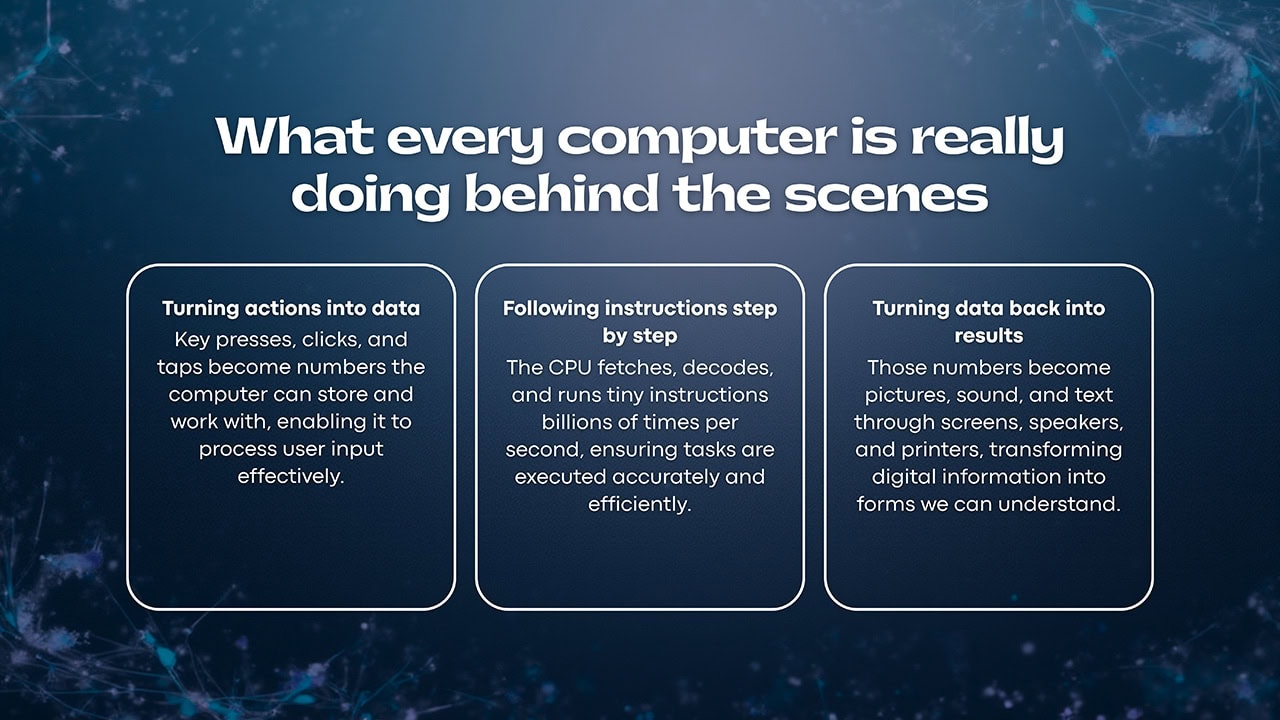
This is how all computers work. They follow four simple steps over and over again: input, processing, storage, and output. Your computer does these steps billions of times every second. Whether you're typing a school report or playing a video game, these same four steps make it all happen.
The Four Steps Every Computer Follows:
- Input - You give the computer information (typing, clicking, talking)
- Processing - The computer's brain figures out what to do with that information
- Storage - The computer saves information it needs to remember
- Output - The computer shows you the results (on screen, through speakers, on paper)
Great question! Your computer's brain can do billions of things every second. But it spends a lot of time waiting. It waits for information to come from your hard drive. It waits for websites to load from the internet. It even waits for you to click on something! Think of it like a race car stuck in traffic. The car is super fast, but it can't go anywhere when other cars are in the way. That's why getting a faster hard drive (called an SSD) often makes your computer feel much faster than getting a new processor.
Let's say you click on a link to open a website. Here's what happens behind the scenes. Your mouse sends a message about where you clicked. The computer's brain looks up what to do. It asks the internet for the website. The website's code comes back. Then the graphics card turns all that code into the pictures and words you see on your screen. All of this happens in the blink of an eye across many different hardware parts working together.
After working with computers for over 20 years, I still think it's pretty cool how all these parts work together so fast.
Understanding the Four Steps
Step 1: Input - Getting Information In
Everything starts when you do something to interact with your computer. Input devices are the tools that let you give information to your computer. They turn your actions into signals the computer can understand.
Common Input Devices:
- Keyboard - turns your key presses into letters and numbers
- Mouse - tracks where you point and what you click
- Microphone - turns your voice into digital sound
- Camera/Webcam - captures pictures and video
- Touchscreen - senses where your fingers touch
- Game Controller - sends your button presses and movements to games
Step 2: Processing - The Computer Thinks
The CPU is the brain of your computer. CPU stands for Central Processing Unit. This little chip does all the hard thinking. It takes the information you gave it and figures out what to do with it.
The CPU works by following three simple steps over and over, billions of times per second:
- Fetch - grab the next instruction from memory
- Decode - figure out what that instruction means
- Execute - do what the instruction says
Inside the CPU: The processor has special parts that help it work. The ALU (Arithmetic Logic Unit) does all the math. The Control Unit tells everything when to work. And cache memory stores information the CPU uses a lot so it can grab it super fast.
Modern CPUs have multiple cores. Think of cores like extra brains. A quad-core processor has four cores, so it can think about four different things at the same time. This is why newer computers can run more programs at once without slowing down.
Step 3: Storage - Remembering Information
Computers use two types of memory to store information. Each type has a different job.
RAM - Short-Term Memory
RAM stands for Random Access Memory. Think of RAM like your desk at school. It holds whatever you're working on right now. RAM is super fast, so the CPU can grab information from it quickly.
- Holds programs you're currently using
- Very fast - works in billionths of a second
- Forgets everything when you turn off the computer
- More RAM means you can run more programs at once
Storage Drives - Long-Term Memory
Your hard drive or SSD is like a filing cabinet. It keeps all your files, programs, and your operating system safe even when the power is off.
- SSDs - newer and much faster, no moving parts
- Hard Drives (HDDs) - older style with spinning disks, cheaper for lots of storage
- Keeps your files safe when the computer is off
- Slower than RAM but can hold much more
Step 4: Output - Showing You the Results
After the computer processes your information, it needs to show you the results. Output devices turn the computer's work into something you can see, hear, or touch.
Common Output Devices:
- Monitor/Screen - shows pictures, videos, and text
- Speakers/Headphones - play music, sounds, and voices
- Printer - puts words and pictures on paper
- Projector - displays a big image on a wall or screen
The Hardware That Makes It All Work
Besides the main parts, your computer has other important hardware components that help everything run smoothly.
The Motherboard - The Main Highway
The motherboard is a big circuit board that connects all the parts of your computer. Think of it like a highway system. Information travels along pathways on the motherboard to get from one part to another.
- Has slots and sockets where other parts plug in
- Contains the chipset that controls how data moves around
- Delivers power to all the connected parts
- Has expansion slots for adding things like graphics cards
The Power Supply - Keeping Everything Running
The power supply unit (PSU) takes electricity from the wall outlet and changes it into the right type of power for your computer parts. Different parts need different amounts of power, and the PSU makes sure everyone gets what they need.
- Changes wall power (AC) into computer power (DC)
- Protects your computer from power surges
- The wattage number tells you how much power it can give
- A good power supply helps your computer run smoothly
Software Tells Hardware What to Do
Hardware is the physical stuff you can touch. But without software, your computer would just be an expensive paperweight. Software is the instructions that tell the hardware what to do.
The Operating System
The operating system (OS) is the main software that runs your computer. Windows, macOS, and Chrome OS are examples of operating systems. The OS is like a manager that keeps everything organized.
- Decides which programs get to use the CPU
- Controls how memory and storage are used
- Helps programs talk to hardware like printers and speakers
- Gives you the desktop, windows, and icons you see
Device Drivers
Drivers are special programs that help your operating system talk to specific hardware. Think of drivers like translators. Your printer speaks one language, and your computer speaks another. The driver translates between them.
Keep Drivers Updated: Old or missing drivers can make your hardware stop working right. If something on your computer isn't working, checking for driver updates is a good first step.
Binary Code - The Language of Computers
At the very bottom of everything, computers only understand two things: on and off. We write this as 1 (on) and 0 (off). This is called binary code. Every picture you see, every song you hear, and every game you play is really just a huge collection of 1s and 0s!
When Things Go Wrong
Now that you know about the four steps, you can figure out where problems happen. When something goes wrong with your computer, it usually means one of these steps isn't working right.
Common Computer Problems:
- Input problem - keyboard or mouse not responding
- Processing problem - computer is very slow or overheating
- Storage problem - files won't save or the computer takes forever to start
- Output problem - screen is blank or speakers aren't making sound
When you're trying to fix a computer issue, think about which of the four steps might be broken. This helps you figure out which part to check first.
Putting It All Together
Computers might seem complicated, but they really just do the same four things over and over: input, processing, storage, and output. Every computer, from the one in your phone to giant supercomputers, works this way.
Quick Review:
- The CPU is the brain that does all the thinking
- RAM is fast memory for things you're using right now
- Storage drives keep your files safe when the power is off
- The motherboard connects everything together
- The power supply gives electricity to all the parts
- Software tells the hardware what to do
Once you understand these basics, computers aren't so mysterious anymore. They're just machines following simple steps really, really fast. This knowledge will help you understand what's happening when you use a computer, and make it easier to fix problems when things don't work right.